One-off or repeating
Jobs with a due date, priority, photos and notes, assigned to a person. Repeating jobs make their next one on the server when completed, so the schedule never drifts.
Jobs
For in-house maintenance teams and service contractors alike. Raise a job, attach a checklist and the units it covers, and let technicians work through it unit by unit, offline if needed. Your client sees progress through a link, without a login.
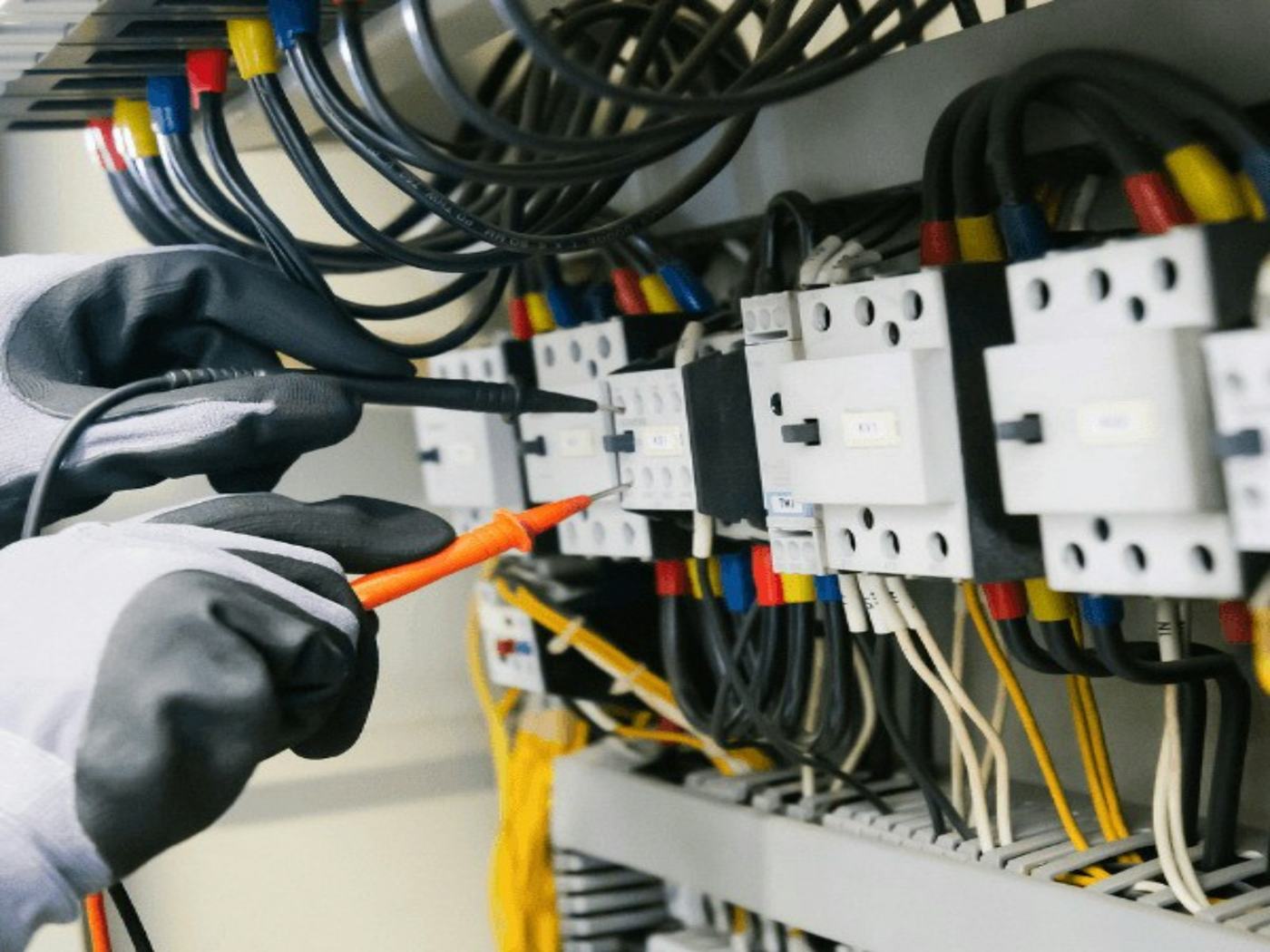
Jobs with a due date, priority, photos and notes, assigned to a person. Repeating jobs make their next one on the server when completed, so the schedule never drifts.
Managers build service checklists once: filter changes, belt checks, readings, photos. Any job can carry one. "All OK" fills the usual answers in a tap; a fault asks which check failed.
A job can cover no unit, one unit or a list. The job page shows progress, the next unit to service, and lets technicians scan a unit's QR code to go straight to its service.
Each unit records who serviced it and when. A skipped unit needs a reason. The job completes with one signature once every unit is done or skipped.
Flagging a fault during a service makes a follow-up job for that unit, linked to the visit that found it.
Jobs you've opened, with their units and checklist, are kept on the phone. Services, skips and completions are saved there and sent once there's signal.
Make a 90-day link to a job for your client: services, photos and sign-off, without your internal comments or costs. Renew it or turn it off at any time; every open is logged.
Produce a register PDF for a site and period: every service, unit by unit, grouped by building, with or without photos. Ready for a client or a compliance check.
See also: Units and QR labels · HVAC and mechanical